
I have been following this excellent tutorial:
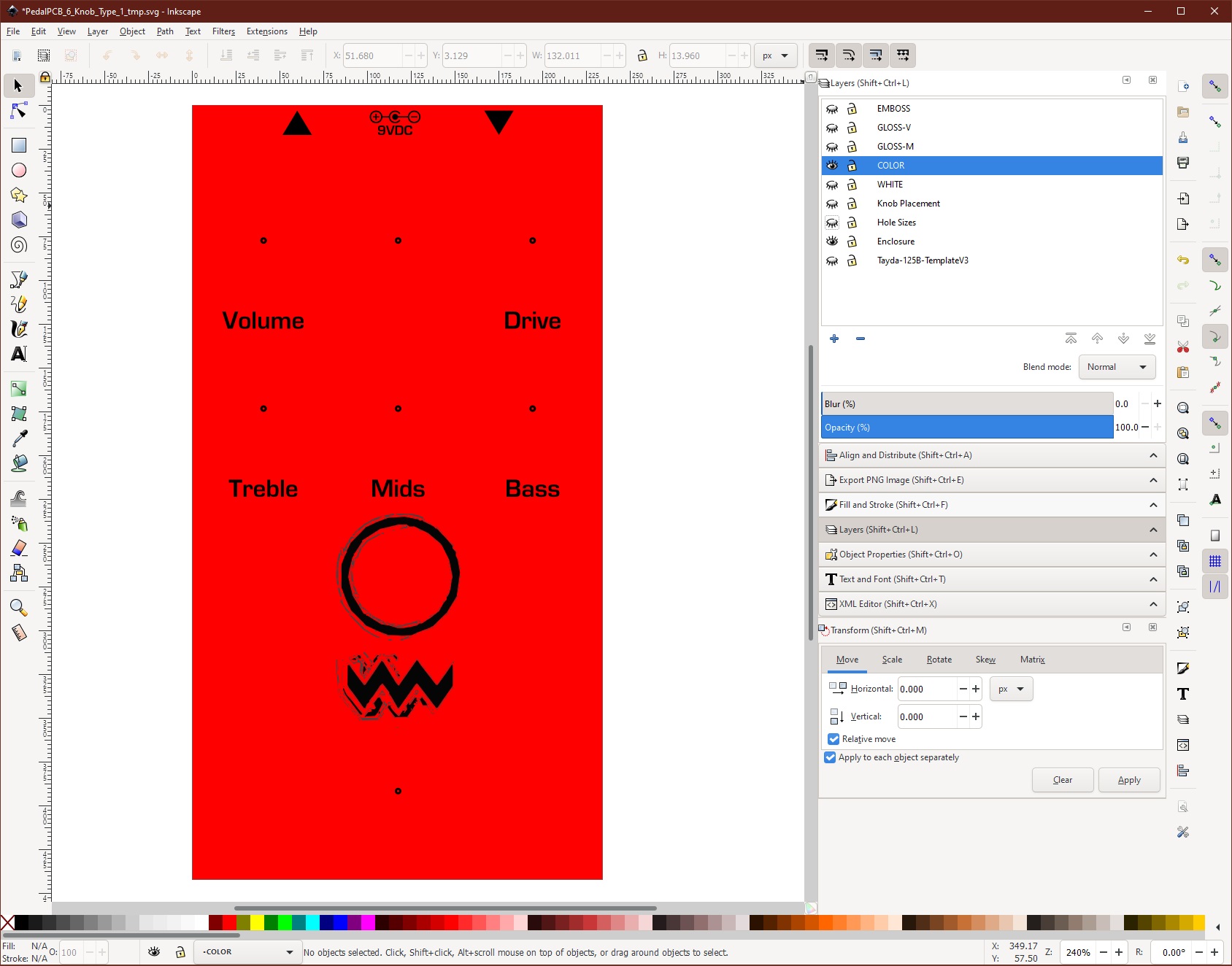
I am having two problems:
1. "Text to Paths" step in Inkscape. When I follow the instructions using the "object to path" command, the object icon in the layer does change from the text symbol to the path symbol and it appears to be successful, but when the svg file is opened in Affinity Designer and I go to change the colors on the gloss and white layers to the Roland Swatches, the (formerly) text objects do not change color with the other objects and they appear to still be editable text.
2. I've installed the Roland Swatches in Affinity designer, but the pallettes only have two colors - the bluish one used for gloss and the Greyish one for the white layer. Where are the other colors?
I've spent hours consulting the web on this without success...any help would be appreciated, thanks!
Creating a PDF for Tayda UV Printing
I go over using the opensource Inkscape and the $49.99 US Affinity Designer to create PDF for UV printing at Tayda Electronics.
www.pachydermpedals.com
I am having two problems:
1. "Text to Paths" step in Inkscape. When I follow the instructions using the "object to path" command, the object icon in the layer does change from the text symbol to the path symbol and it appears to be successful, but when the svg file is opened in Affinity Designer and I go to change the colors on the gloss and white layers to the Roland Swatches, the (formerly) text objects do not change color with the other objects and they appear to still be editable text.
2. I've installed the Roland Swatches in Affinity designer, but the pallettes only have two colors - the bluish one used for gloss and the Greyish one for the white layer. Where are the other colors?
I've spent hours consulting the web on this without success...any help would be appreciated, thanks!


