pcb rookie
Active member
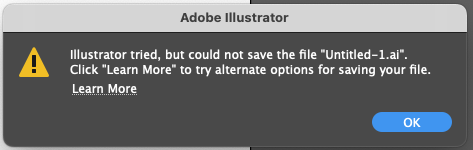
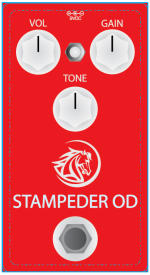
I was working on a creative for an UV printing enclosure. Struggle all days with this one trying to create a logo, and import it onto the enclosure art work. Finally found a way to make it work and ... now I'm getting error message from Illustrator that won't save file as a AI file  . I tried other saving format but it would not work with the transparent background.
I Updated to the latest Illustrator version, Updated my OS, did all the trick and pony show they recommend. No possible AI file saving. I would start from scratch but even starting a new file with just a simple square in the middle of the page and it still won't save.
Any one else having this issue and/or found a fix?
. I tried other saving format but it would not work with the transparent background. I Updated to the latest Illustrator version, Updated my OS, did all the trick and pony show they recommend. No possible AI file saving. I would start from scratch but even starting a new file with just a simple square in the middle of the page and it still won't save.
Any one else having this issue and/or found a fix?