The 2026 revised film free decal tutorial

That turned out great for a first time. The more you do it the more consistent it becomes.
I'm realizing that I have overbaked mine. I did more enclosures today and the clear film basically just melted onto the enclosure. I followed the instructions in the paper which is too hot for too long apparently. I just noted your rec for 10minutes at the lowest setting, so that's what I'll try next.
 
Hi, thanks for the detailed tutorial. I am having issues with getting my images to print to the exact sizes I need them, which is due to (I suspect) my printing settings rather than anything else. I use a cheap Brother printer and while the quality isn't great, its the sizes of the images that are causing me bigger issues. There's obviously tons and tons of forum posts, YouTube videos, and other resources that try to help with printing issues but I've had no luck so far, and figured it would be easier to ask a pedal builder directly as that's the type of graphics I'm trying to print specifically lol.

So, could you share some insight into the printing settings you use for your graphics? Even if it's a different printer, that's fine as I'm sure it would be helpful either way. The settings or process used in Affinity Designer 2 would also be helpful, as I will look to set up my graphics in that software to test later.

Cheers.

 
Hi, thanks for the detailed tutorial. I am having issues with getting my images to print to the exact sizes I need them, which is due to (I suspect) my printing settings rather than anything else. I use a cheap Brother printer and while the quality isn't great, its the sizes of the images that are causing me bigger issues. There's obviously tons and tons of forum posts, YouTube videos, and other resources that try to help with printing issues but I've had no luck so far, and figured it would be easier to ask a pedal builder directly as that's the type of graphics I'm trying to print specifically lol.

So, could you share some insight into the printing settings you use for your graphics? Even if it's a different printer, that's fine as I'm sure it would be helpful either way. The settings or process used in Affinity Designer 2 would also be helpful, as I will look to set up my graphics in that software to test later.

Cheers.
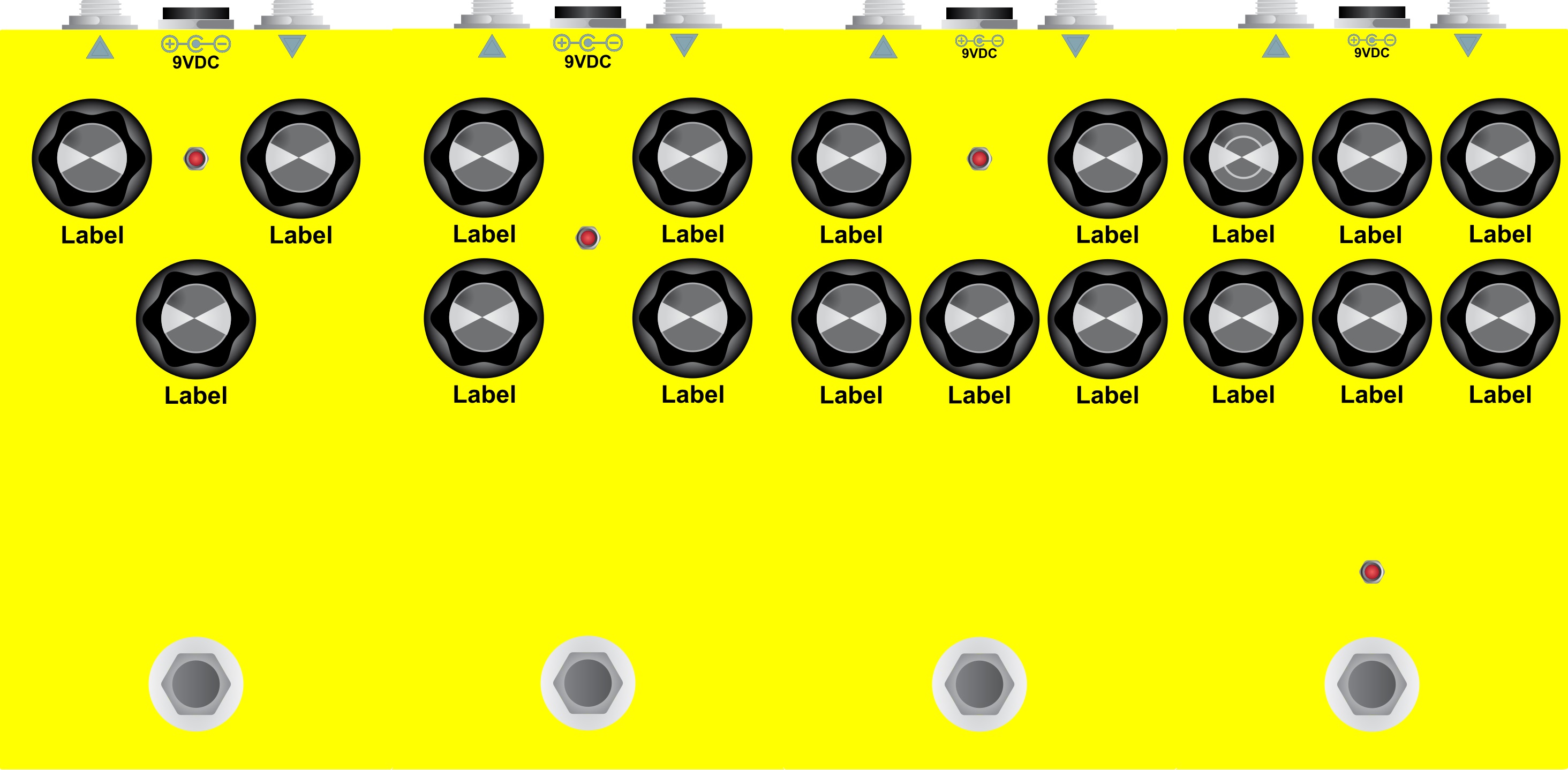
I used these templates:


I create a new document and then copy the template of the enclosure size I want into a new document in Affinity, print them on regular paper and cut them out to just lay on the enclosure to test for fitment. I'm using a border as well to help with alignment so I shrink the dark outline by just a little and round the corners. once it's verified to be the right size I use the transfer paper in the first post here.

I found that making sure that "scale" is selected in print settings and manually putting in 100% just so that I'm certain of it.

hope something in this is a little helpful at least.
 
Back
Top