The only tripping point I found was importing multiple layers from Inkscape. But then I realized that was stupid anyway.Awesome! Thanks for the info!
So my workflow is:
1. Only save the color layer from Inkscape.
2. In Scribus, I open that single COLOR layer with the artwork.
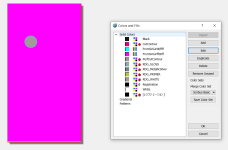
3. I copy that layer twice to create WHITE and GLOSS layers. So at this point all 3 layers are identical.
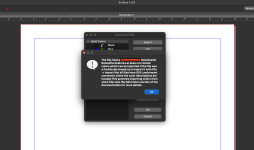
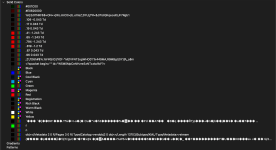
4. Select all objects in the WHITE layer and change them to Roland spot white.
5. Select all objects in the GLOSS layer and change to spot gloss.
If you don't want white or gloss on every part of the print, you'd have to fiddle with it. But if you want the entire design over white with gloss on top, you can do the above 5 steps in just a couple of minutes.
I wasted a few evenings fighting with the inkscape layers, until I figure out they don't matter anyway. You only need the main COLOR layer from Inkscape, and then finish the manipulation in Scribus.