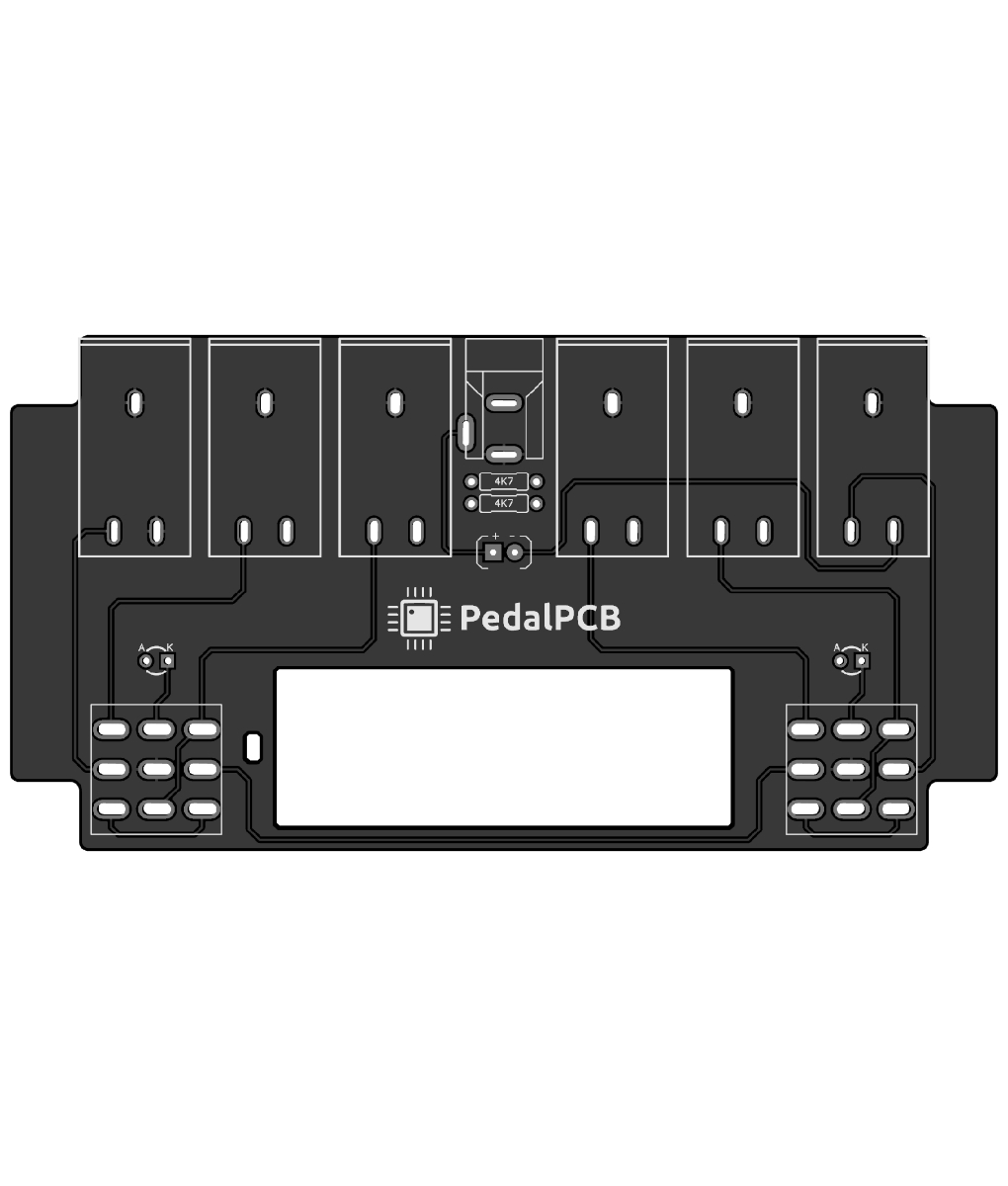
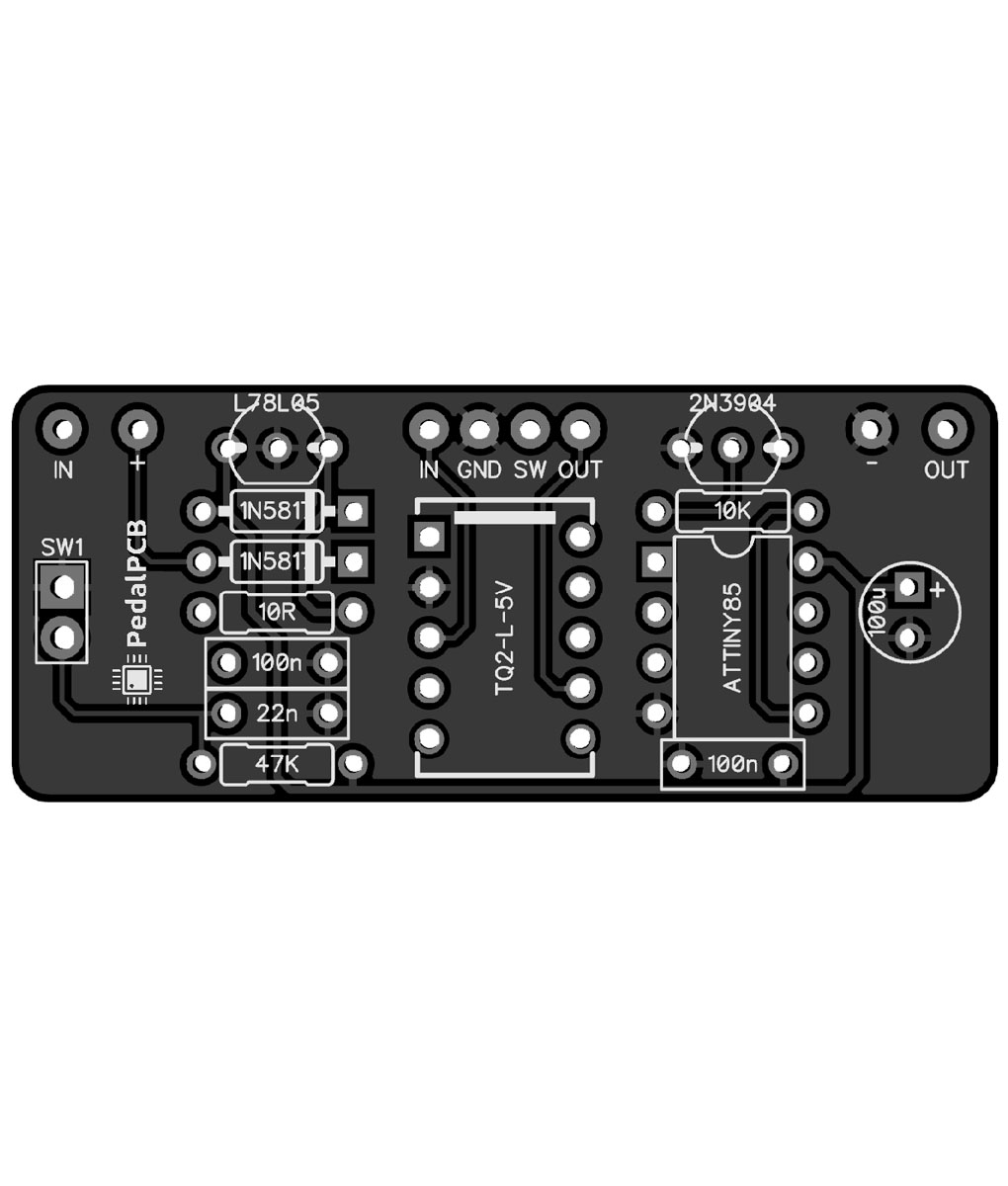
I think about this periodically. I have a solid idea of what I want. So over the weekend I started going down the rabbit hole of building a 4-loop programmable switcher with MIDI. I went through my stuff and found an UNO board- so the ATmega328 it is. My dev environment is setup and I stubbed out as much code as I could before I get the rest of the hardware. The coding part is fine for me. PlatformIO + CLion is very nice- tooling for this stuff has come a long way since I last played with it. My challenge will be coming up with a layout- I have zero experience. Here's the feature set I have stubbed out so far. Unfortunately, I just placed two parts orders on friday. I may still order the rest of what I need to breadboard this.
---
CONTROL: 4 foot switches
IO: in, out, 4 audio loops, MIDI in, MIDI out.
DISPLAY: Max7219 driving an 8-digit 7-segment display.
MODES: manual, preset, edit, channel selection
manual mode- the switches enable/bypass their corresponding loops
preset mode - the state of the loops can be saved in 1 of 128 slots. Banks of 4. Each preset also sends a corresponding PC message.
edit mode - when a preset is selected, edit mode can be used to change and then save the loop state.
channel selection mode - this is just for choosing the MIDI channel 1-16.
- sw2+sw3 switches between manual and preset mode.
- in preset mode, sw1+sw2 is bank down, and sw3+sw4 is bank up.
- in preset mode, holding sw2+sw3 for two seconds enters edit mode, where the loops can be selected.
- in edit mode, holding sw2+sw3 saves the loop state and returns to preset mode.
- sw1+sw4 switches to channel selection mode. sw1 to go down and sw4 to go up, channels 1-16.
There's also a "global" preset. In preset mode, switching any active preset again goes into the global preset, which is also PC 127. Selecting any preset leaves the global preset. This can be used to bypass all the loops no matter what bank you're in.
For MIDI in, receiving a PC message will recall the corresponding preset.
----