Feral Feline
Well-known member
I've been hemming and hawing on a lazer for ... maybe a year or so... this might be the tipping point — those look great!



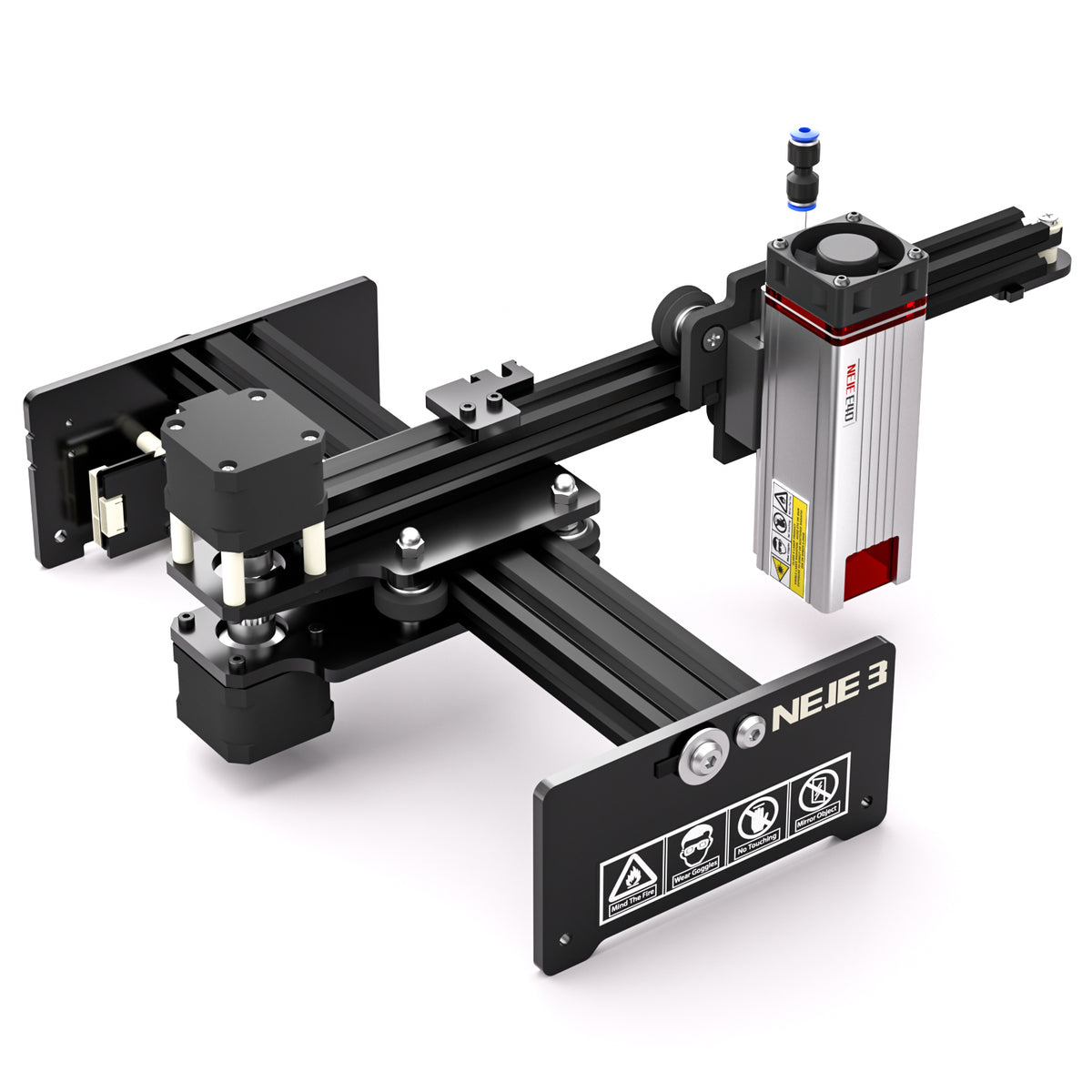
 neje.shop

Hmmm... the product page lists this:Did the laser come with everything needed to get started? Basically just an all in one solution for etching the powder coat off enclosures according to your design? If so I may get one too!


What you could always do though is use the laser to etch the paint away as a negative of what you actually want to etch, and then do an electro etch or chemical etch, and then remove the paint.Just the paint. I can’t afford a fibre laser to actually etch the metal haha. It’s a Neje Master 2.
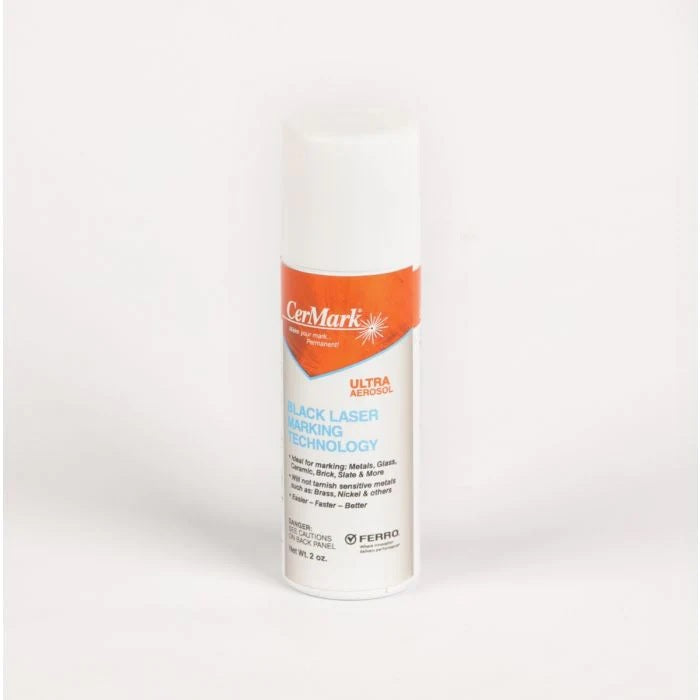


Laser marking solution might be worth a try for metal.
CerMark Ultra 2 OZ Spray Can
This size is meant for people to use as a test if they have not tried Ultra before. There is a limit of 1 can per purchase. This is a small 2 oz. spray can for low volume and testing use. About 450 square inches of coverage. CerMark Ultra will mark at up to 80% faster speed compared to LMM 6000...cermarksales.com

I have a bunch of molydenum.. hmmm.. do I need a laser engraver or do I want one..True, I’ve heard this works well along with dry molybdenum lube.

be honest.....does it really matter?do I need a laser engraver or do I want one..

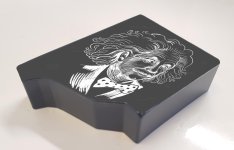
I suppose they could work as an enclosureI bought a couple powdercoated gutter caps at work to test on and it worked like a hot damn. Way less stinky too haha
:

 www.sainsmart.com

Anyone test it on a white-painted enclosure? I’m curious as to if it would discolor/burn the paint that doesn’t get etched away.
Same here with Photoshop LaserI’ve got a white enclosure curing right now, sprayed it black underneath. I’ll post here when I do something with it! Did a test of Purple on White and the white came through just fine, it’s all about the power settings.
 :
: