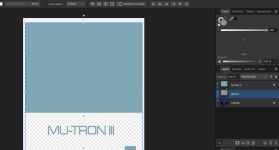
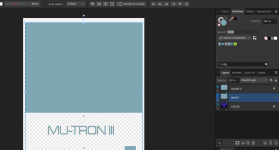
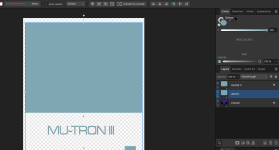
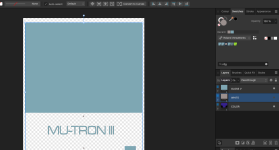
RDG Gloss is applied correctly, but RDG White is not.
I've reviewed your design, and considering you're just using white (and varnish), you have way too many shapes for the "Univibe" logo. You have 3 different layers there, one on top of the other. It looks like it was made for colors, but was all colored white in this case. To illustrate what I'm saying, I've colored them in 3 different colors, red, green and blue. The last one is, for some reason, put into a group (that's not needed). The same is happening in the varnish layer. Maybe you want to simplify that?
View attachment 56416
@Nic has also pointed you some of these issues.
One word of advice: while printers have no problems with strokes, nitpicky printers like Tayda may have problems with them. I suggest you convert your strokes to fills. To do that, select elements with strokes (you can do that with the menu
Select > Select Same > Stroke Color and convert the strokes to shapes with the menu
Layer > Expand Stroke. In that way, all elements will be fills. Then you can select all with
Select > Select Same > Fill Color, and change the elements all at once. This select tools is handy if you want to change the fill of the shapes all at once to apply the RDG White swatch.