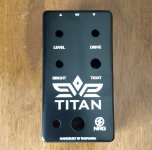
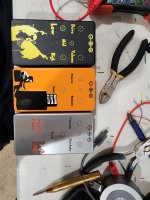
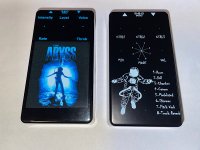
Hello,Hello,
Just to give you the "end of the story", Tayda ended up printing the enclosure anyway and the white layer didn't print. The gloss layer kinda make it a little better. At the end it wasn't too bad.
On a side note, I got a partial answer but I'm still not getting it right.
On the Affinity forum this was discussed: https://forum.affinity.serif.com/index.php?/topic/146258-multi-layer-pdf-export-problems/
(thanks @Grubb for the link)
As suggested on that forum, I've checked the entire template for things outside of the template and it still got my layers clipped into one when opened with Illustrator (thanks again @Grubb for checking it for me).
Somebody's having the same problem?
I've got some information for those struggling like me...
Posted a question on the Affinity Forum and they sent me a link to the Adobe Forum:
https://community.adobe.com/t5/illu...rts-have-a-clipping-mask/m-p/11828784#M263694
Didn't find anything I could use other than the first conclusion of another Affinity user "zilla" :
"i had to manually size it down thru trial and error so there were several mm between the edge of the page and the graphic."
So, for now we need to size down or not put objects too close to the border of the document otherwise the pdf will clip all the layers together when opening it with Illustrator.

This is weird because I did print with Tayda without any issues in November 2021. So maybe Affinity did a "bad" update... ?

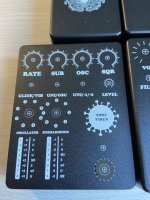
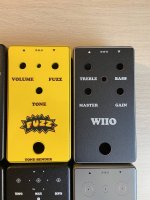
 None of these designs are anything spectacular but I'm actually blown away by how good these look in real life. All of them had data in the White, Color and Gloss (GLOSS-V) layer. None of them had the white layer printed twice, I can see how that would make sense on some designs now, though .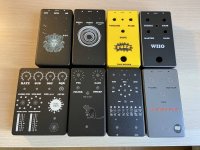


 Thanks!